Now in iPhone beta

Step inside your child's drawing.

Snap a photo of any drawing. Watch it become a vivid world. Hear it described back to your kid in a warm voice they'll never forget.

Try the beta on iPhone See how it works

Free to try · Your first three drawings are on us · iPhone only for now

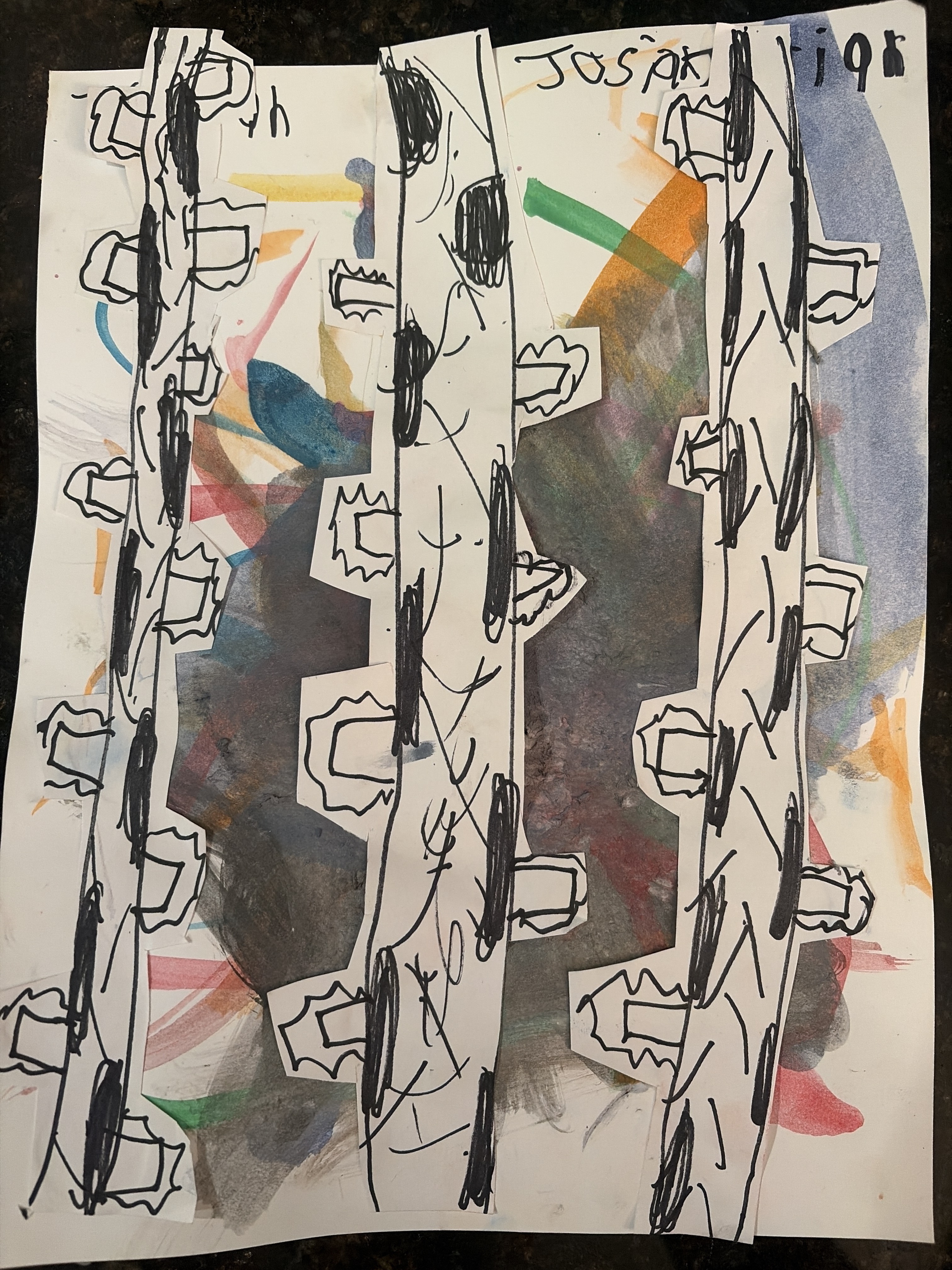
The drawing Forest Party — original drawing
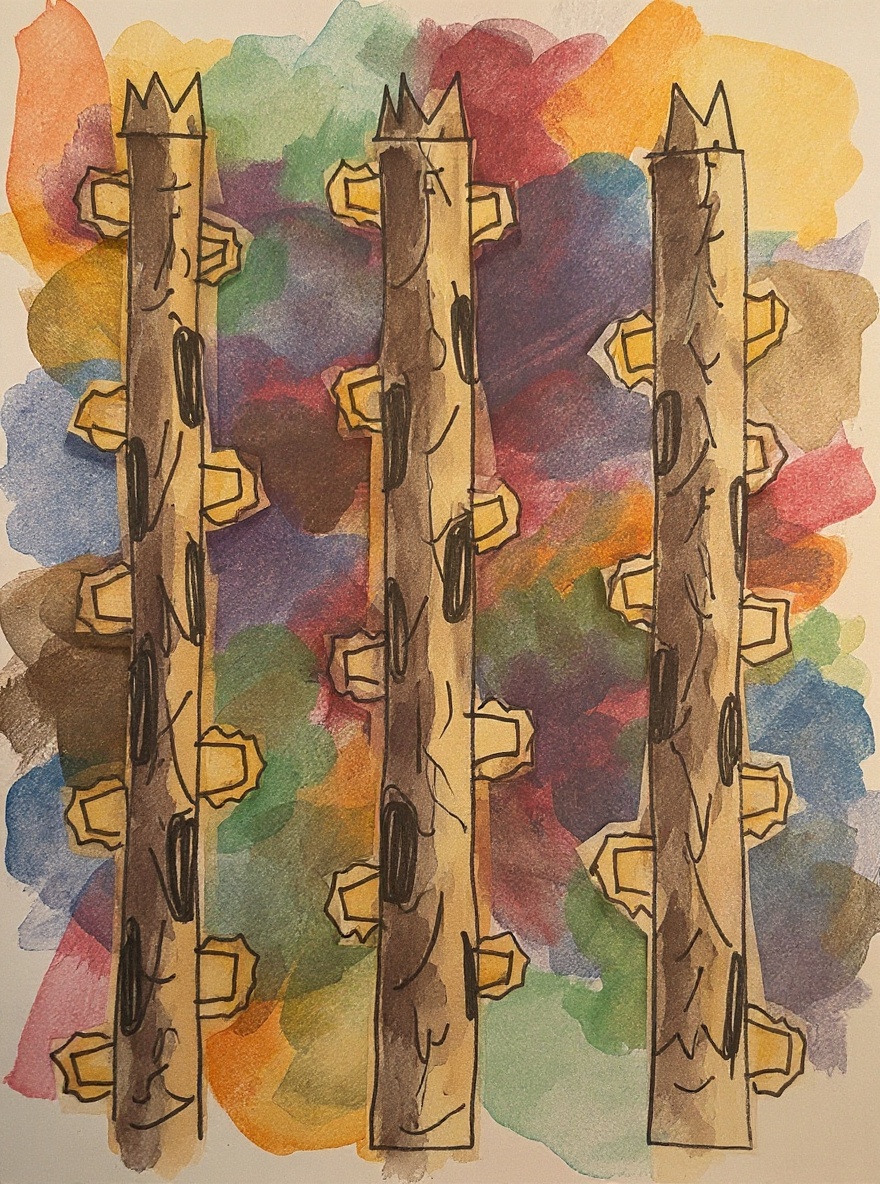
The world Forest Party — vivid storybook scene

Those tall dark trees with all their windows and doors — it's like a secret neighborhood growing right up into the sky! I wonder who's peeking out from behind all that beautiful watercolor hiding between the branches. — Forest Party · by Josiah
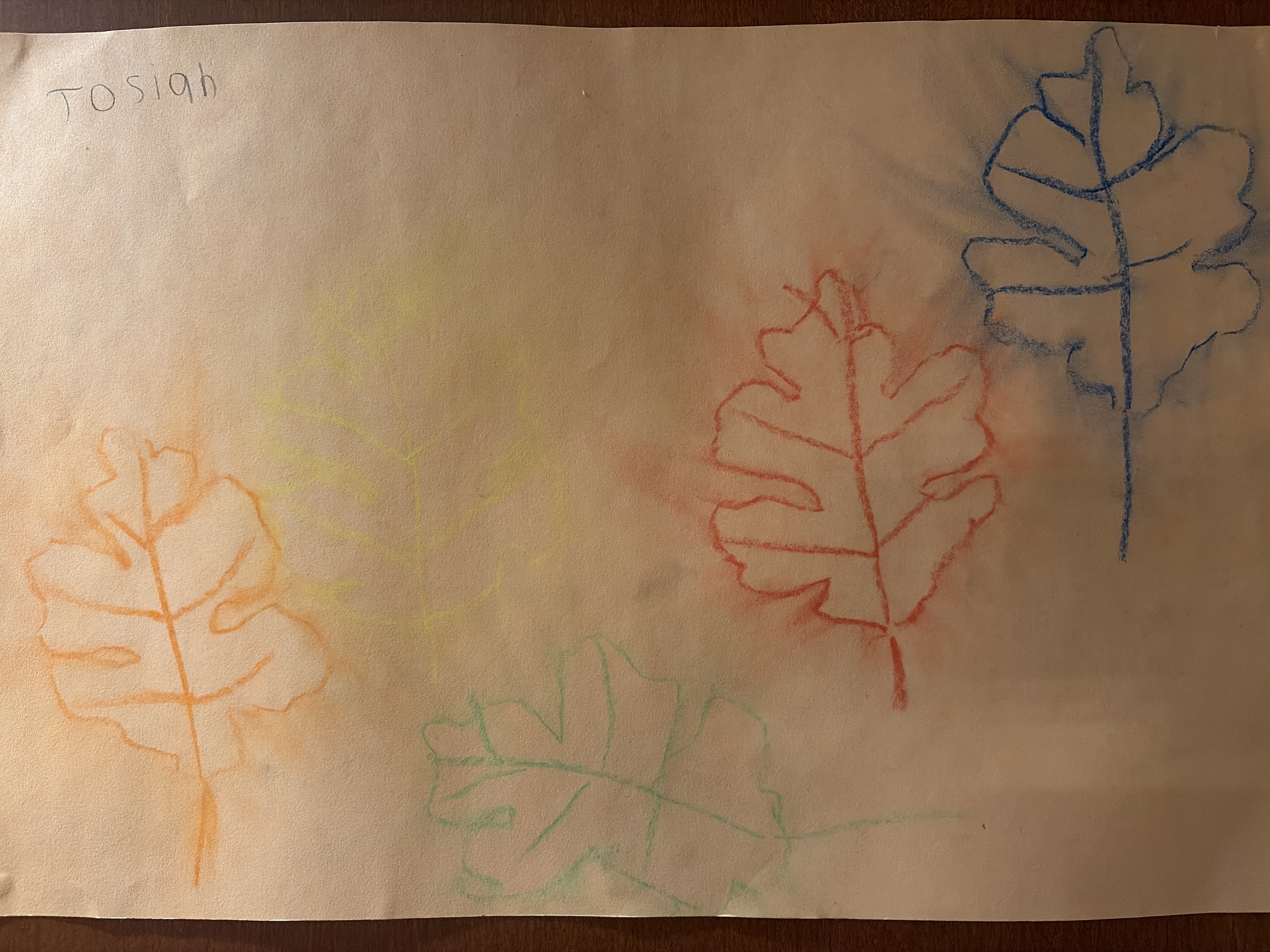
The drawing Fallen Leaves — original drawing
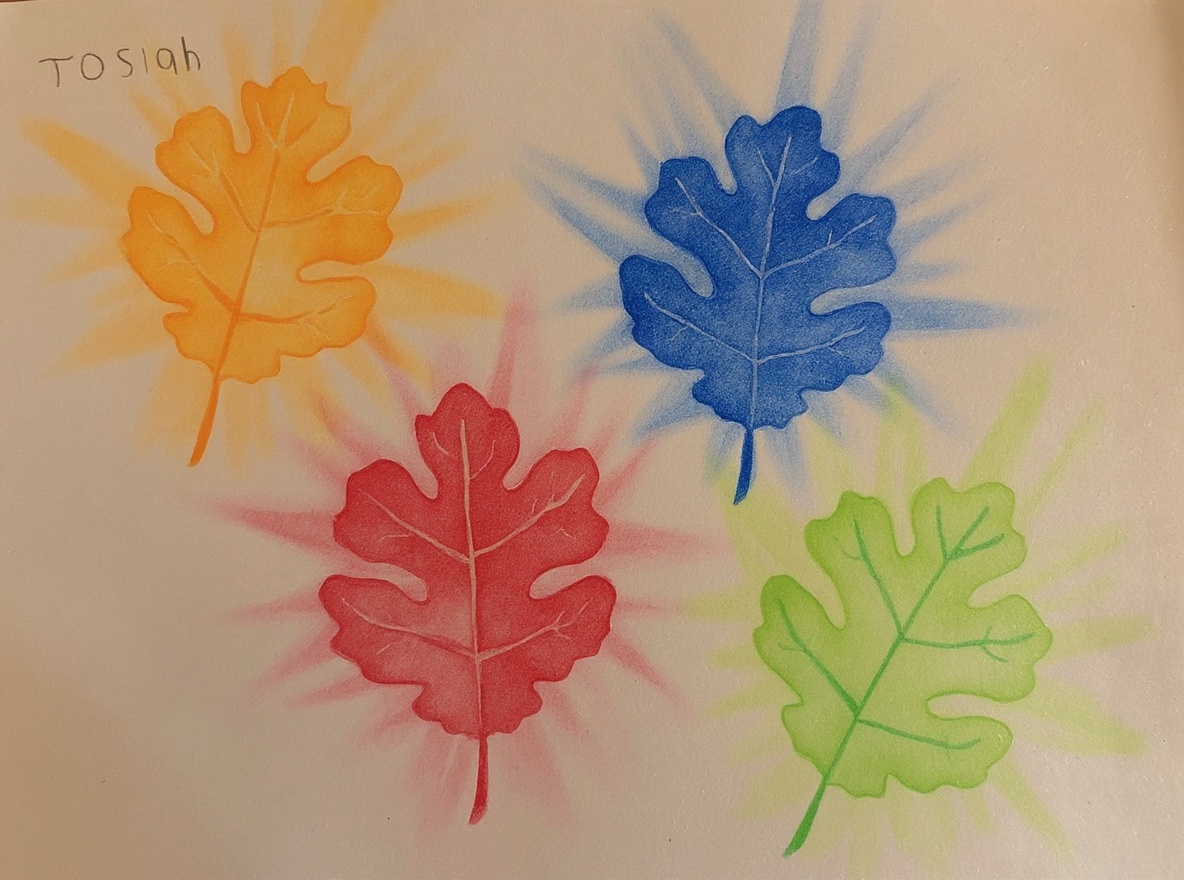
The world Fallen Leaves — vivid storybook scene

These leaves are dancing across the page like they just blew off their trees on a windy fall day! I love how each one got its own color — orange, red, blue, and green — like they came from four different corners of the forest. — Fallen Leaves · by Josiah
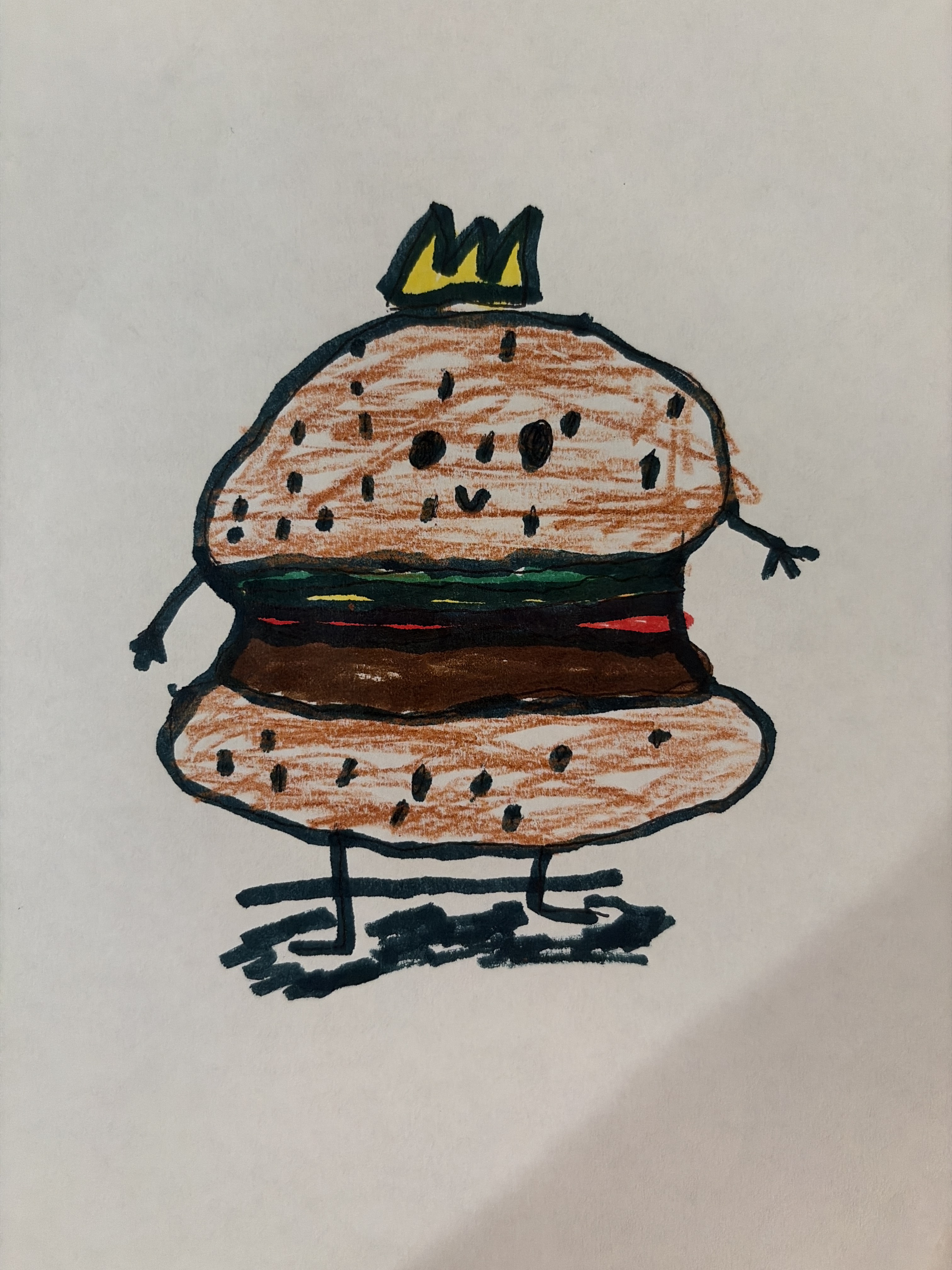
The drawing Burger King — original drawing
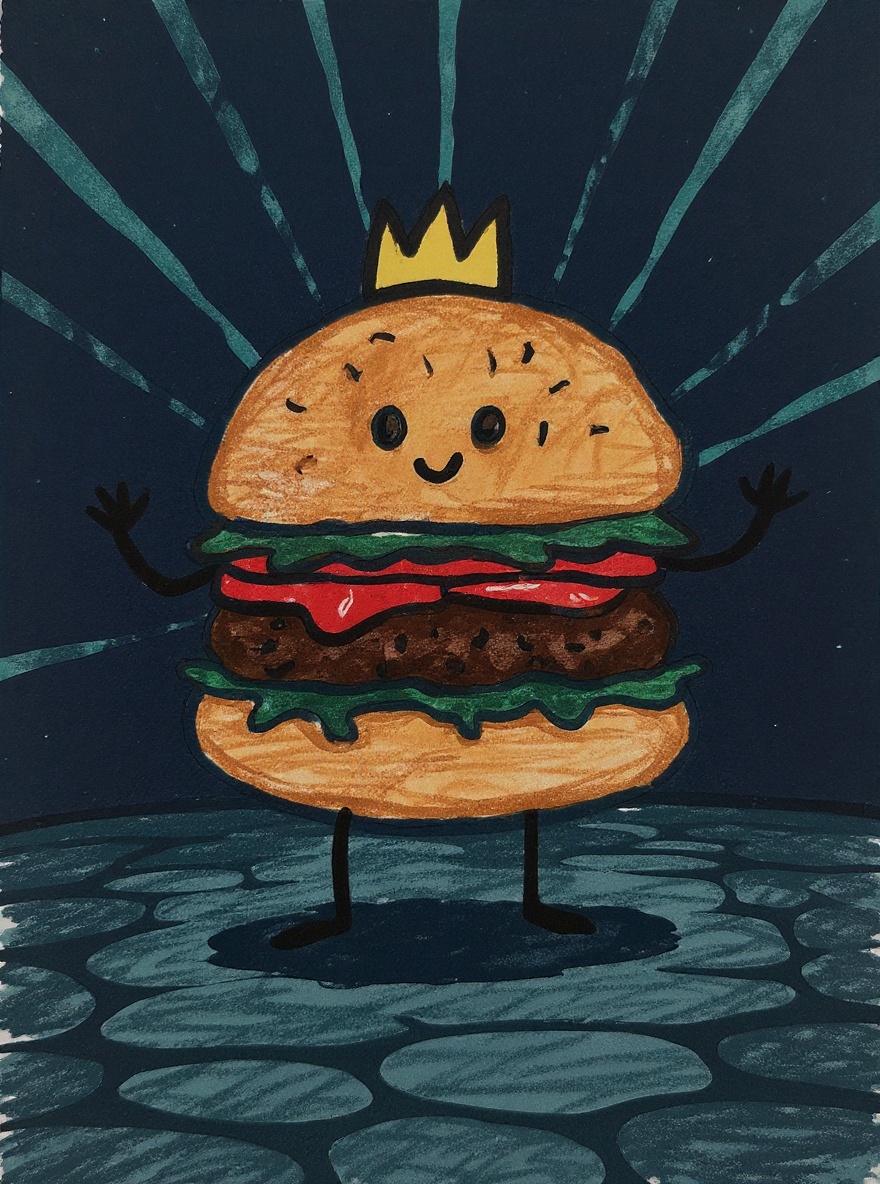
The world Burger King — vivid storybook scene

A burger wearing a crown — now that's royalty I can get behind! I love all those sesame seeds you added, and the way the lettuce peeks out with that little stripe of red tomato. — Burger King · by Jameson
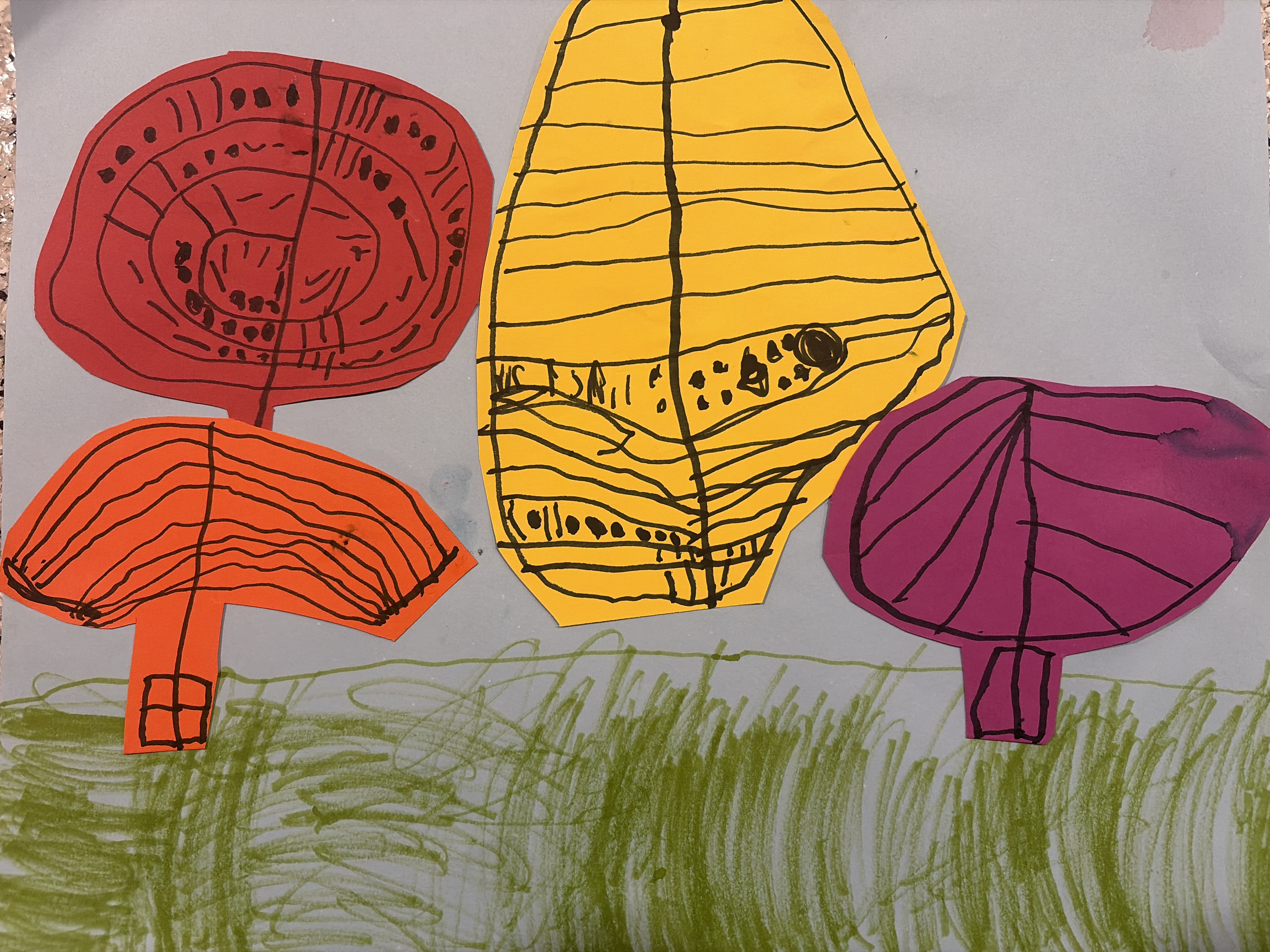
The drawing What's this — original drawing
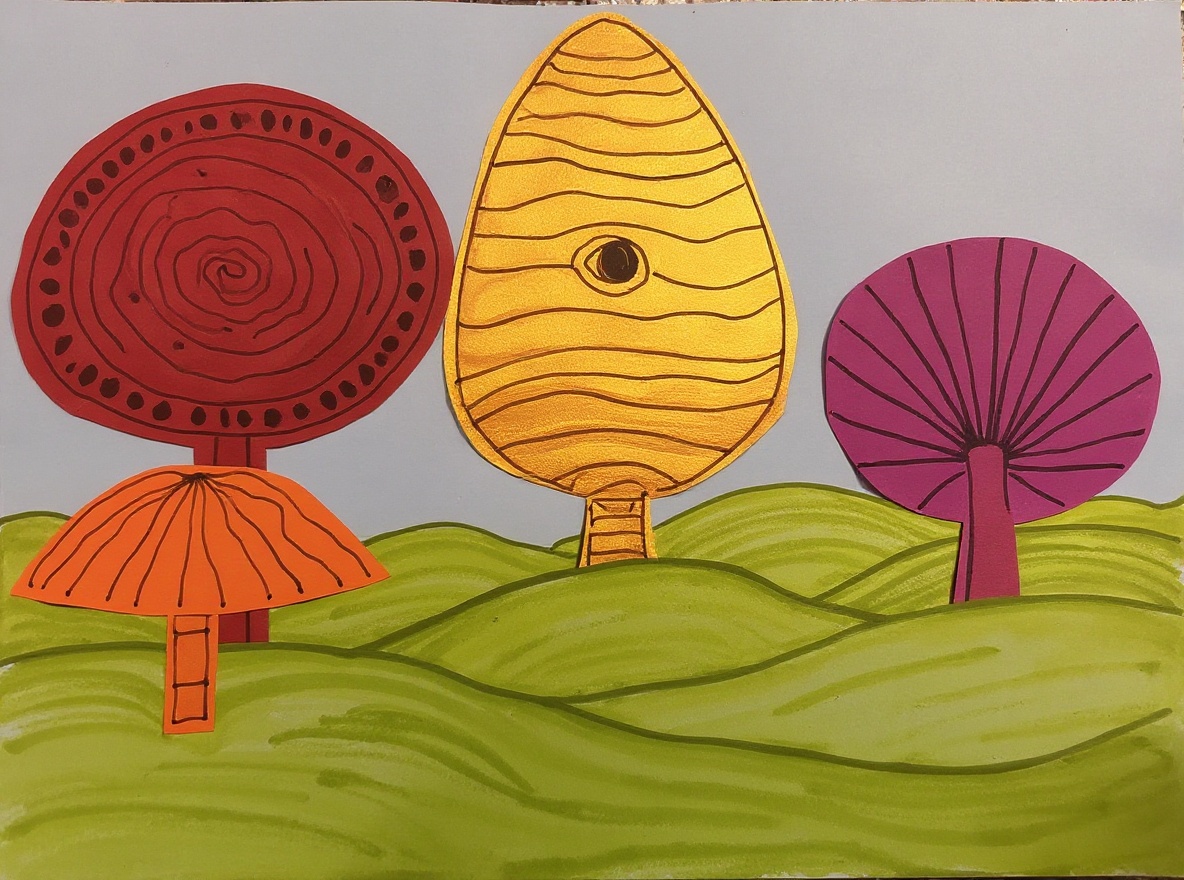
The world What's this — vivid storybook scene

Those trees have the most amazing patterns inside them — the red one swirls like a cinnamon roll! I wonder if tiny fairies live in that yellow tree house with all those fun little windows. — What's this · by Zadie

Three taps to magic.

1

Snap the drawing

Open Draw Up, point your camera at the page on the fridge, the floor, the kitchen table. Any angle, any lighting.

2

Watch it come alive

In about 30 seconds, the AI steps inside the drawing and renders the world your child imagined — keeping their characters, colors, and choices.

3

Hear it back to them

Tap "Read Aloud" and a warm voice describes the scene to your child by name. Watch their face. That's the moment.

Stop choosing between memory and clutter.

Your kid hands you a drawing. You can't keep them all. You can't bear to throw them away. So they pile up in drawers, fade in folders, get lost in moves.

Draw Up gives every drawing a second life — saved beautifully on a personal gallery, narrated to your child, easy to share with grandparents. The paper version can finally go.

Built for the parents drowning in artwork.

Every parent has the same drawer. The fridge magnet pile that's three layers deep. The school folder that comes home in May with eighty pages of construction-paper masterpieces. You love every single one, and you can't keep every single one.

Draw Up is an iPhone app that turns each kid's drawing into a vivid, AI-rendered world that reflects exactly what your child imagined — keeping their characters, their colors, their wobbly suns and wild dragons. A warm voice reads the scene back to them by name, so the drawing isn't just preserved — it's celebrated. You can save originals to Photos in a single tap, share a personal gallery with grandparents, and let the paper versions go without guilt.

What Draw Up is for: parents who want to preserve children's artwork digitally; families who want to share their kid's art with grandparents and aunts; anyone who wants an easy way to save every drawing without keeping a paper mountain.

How it works: Photograph the drawing. AI transforms the child's drawing into a magical scene. The app reads the scene aloud to your child. Publish to a personal gallery (each child gets their own). Share the gallery link with family. Save originals to your Photos library whenever you want.

Your first three drawings are on us.

The iPhone beta is open. Try it tonight.

Join the TestFlight beta